

NBP 50
コンサルタント向け資料
製品番号を選択してください:
テキストをコピー
コピーされました!
エラーが発生しました。しばらくしてからもう一度お試しください。
NBP 50
- Provide an ethernet enabled, two-gang network button panel for remotely controlling AV devices when paired with an Extron IP Link Pro control processor, HC 403, or HC 404.
- Fully customizable ethernet enabled button panel interface.
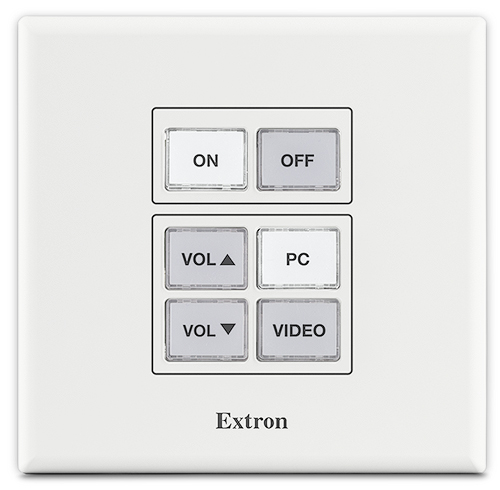
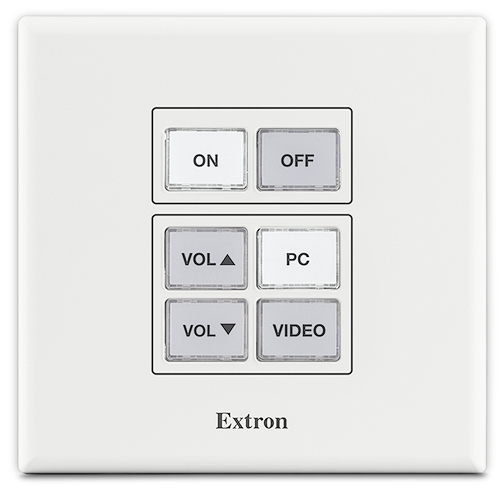
- Device shall have a total of six dual color LED backlit buttons, two dedicated for input selection, two dedicated for volume control and the remaining two dedicated for power.
- Buttons shall illuminate white or red, depending on configured or programmed functions, for ease of use in low-light environments.
- Buttons shall feature two levels of illumination, dim and bright.
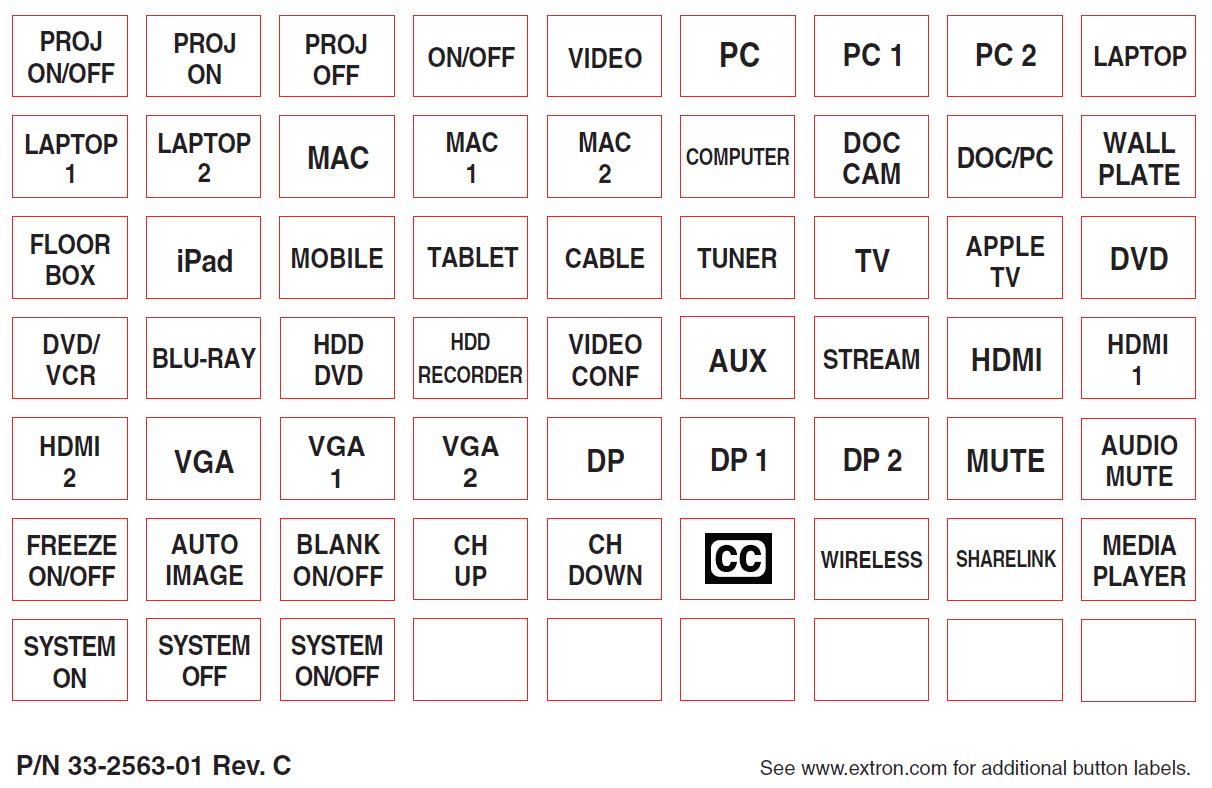
- Buttons shall feature removable button caps allowing them to be custom labeled for easy identification.
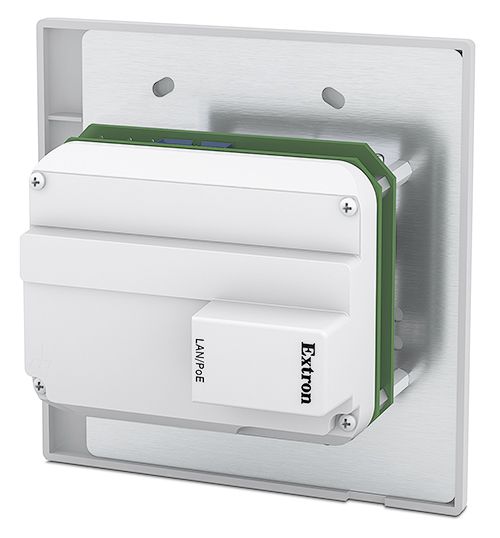
- Device shall have a female RJ-45 jack located on the back of the enclosure that supports 10/100Base-T, half/full duplex with auto-detect for connection to a LAN or WAN and includes link and activity LED indicators located on the left and right of the jack for troubleshooting network issues as well as supports PoE- Power over Ethernet, 802.3af.
- Device shall include a multi-function button located below the faceplate on the front of the product that allows for the reset of the device or its communication properties at minimum.
- Device shall be Section 508 compliant and shall meet or exceed U.S. accessibility standards for Electronic Information Technology.
- Supports a web-based AV resource management application that provides a means to manage, monitor, and control AV equipment.
- Device shall be controllable using Extron Control for Web, Android, and iOS as a secondary point of control.
- Device shall support the following protocols: DHCP, DNS, HTTP, HTTPS, ICMP, SFTP, SSH, TCP/IP, UDP/IP.
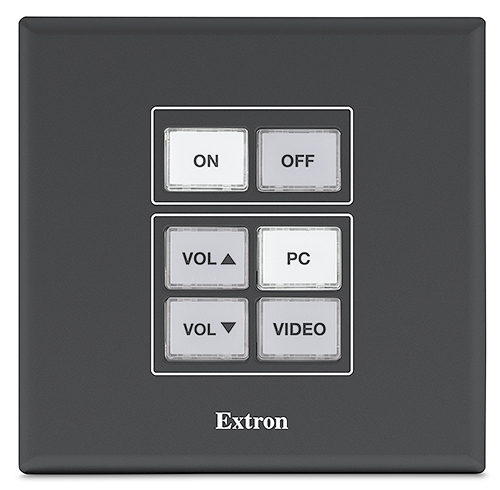
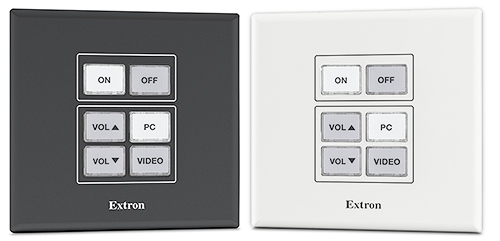
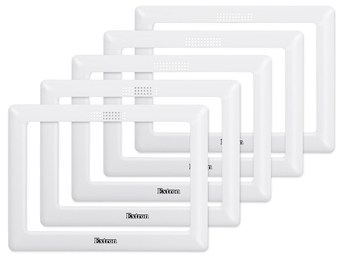
- Device shall include both white and black faceplates.
- Device shall have a total of six dual color LED backlit buttons, two dedicated for input selection, two dedicated for volume control and the remaining two dedicated for power.
- Mounting requirements
- Device shall have the ability to be mounted directly in a wall, lectern, or other flat surface and shall be able to be secured using the supplied mud ring and hardware.
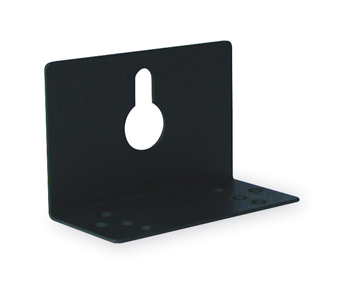
- Device shall have the ability to be mounted to the surface of a wall using an optional wall box.
- Software requirements
- The device may only be configured or programmed using Extron’s Global Configurator Plus or Professional, or Global Scripter respectively.
- Shall be configured or programmed by an Extron authorized user.
- The device’s configuration and settings shall be managed using Extron’s Toolbelt software.
- Security requirements
- Device shall support SSH for secure communication between the network button panel and the control processor or the meeting space collaboration system.
- Device shall support SFTP and SSH for secure communication between the control processor and the configuration or programming software.
- Device shall provide the option to modify administrator and user credentials.
- Device shall support security updates to maintain network health.
- Device shall require that a Secure Socket Layer (SSL) Certificate is installed to maintain system confidentiality and data integrity.
- Device shall support the installation of an owner furnished certificate with the following properties:
- Certificates shall include x.509 support
- Certificates shall include public / private key exchange
- Certificates shall support PEM encoding
- Extron shall furnish documentation that describes all supported network ports and services.
- Shall meet regulatory compliances
- CE
- c-UL
- UL
- C-Tick
- FCC Class B
- ICES
- VCCI
- RoHS
- WEEE
- Product Warranty
- Shall provide at least 3 years parts and labor
- Approved device shall be the Extron NBP 50, part number 60-1953-01, no alternates or equals
- Fully customizable ethernet enabled button panel interface.
NBP 50
- Provide an ethernet enabled, two-gang network button panel for remotely controlling AV devices when paired with an Extron IP Link Pro control processor, HC 403, or HC 404.
- Fully customizable ethernet enabled button panel interface.
- Device shall have a total of six dual color LED backlit buttons, two dedicated for input selection, two dedicated for volume control and the remaining two dedicated for power.
- Buttons shall illuminate white or red, depending on configured or programmed functions, for ease of use in low-light environments.
- Buttons shall feature two levels of illumination, dim and bright.
- Buttons shall feature removable button caps allowing them to be custom labeled for easy identification.
- Device shall have a female RJ-45 jack located on the back of the enclosure that supports 10/100Base-T, half/full duplex with auto-detect for connection to a LAN or WAN and includes link and activity LED indicators located on the left and right of the jack for troubleshooting network issues as well as supports PoE- Power over Ethernet, 802.3af.
- Device shall include a multi-function button located below the faceplate on the front of the product that allows for the reset of the device or its communication properties at minimum.
- Device shall be Section 508 compliant and shall meet or exceed U.S. accessibility standards for Electronic Information Technology.
- Supports a web-based AV resource management application that provides a means to manage, monitor, and control AV equipment.
- Device shall be controllable using Extron Control for Web, Android, and iOS as a secondary point of control.
- Device shall support the following protocols: DHCP, DNS, HTTP, HTTPS, ICMP, SFTP, SSH, TCP/IP, UDP/IP.
- Device shall include both white and black faceplates.
- Device shall have a total of six dual color LED backlit buttons, two dedicated for input selection, two dedicated for volume control and the remaining two dedicated for power.
- Mounting requirements
- Device shall have the ability to be mounted directly in a wall, lectern, or other flat surface and shall be able to be secured using the supplied mud ring and hardware.
- Device shall have the ability to be mounted to the surface of a wall using an optional wall box.
- Software requirements
- The device may only be configured or programmed using Extron’s Global Configurator Plus or Professional, or Global Scripter respectively.
- Shall be configured or programmed by an Extron authorized user.
- The device’s configuration and settings shall be managed using Extron’s Toolbelt software.
- Security requirements
- Device shall support SSH for secure communication between the network button panel and the control processor or the meeting space collaboration system.
- Device shall support SFTP and SSH for secure communication between the control processor and the configuration or programming software.
- Device shall provide the option to modify administrator and user credentials.
- Device shall support security updates to maintain network health.
- Device shall require that a Secure Socket Layer (SSL) Certificate is installed to maintain system confidentiality and data integrity.
- Device shall support the installation of an owner furnished certificate with the following properties:
- Certificates shall include x.509 support
- Certificates shall include public / private key exchange
- Certificates shall support PEM encoding
- Extron shall furnish documentation that describes all supported network ports and services.
- Shall meet regulatory compliances
- CE
- c-UL
- UL
- C-Tick
- FCC Class B
- ICES
- VCCI
- RoHS
- WEEE
- Product Warranty
- Shall provide at least 3 years parts and labor
- Approved device shall be the Extron NBP 50, part number 60-1953-01, no alternates or equals
- Fully customizable ethernet enabled button panel interface.
アイテムをカートに追加する
Order Message Number
製品番号
注: Extron products using the Universal AC Outlet accept a number of different AC plug types. Before use, ensure that the device meets all regulatory requirements for your region and complies with all applicable local safety and electrical codes and standards.
現在の合計金額:
Annotation Graphics Processor
To view this page ensure that Adobe Flash Player version
11.0.0 or greater is installed and enabled.

 Chrome
 Firefox
 Edge
Edge
 Safari