ハウツービデオ
Global Scripterに関するビデオをご覧いただくには、エクストロンオーソライズドプログラマーの資格が必要です。詳しくはエクストロンまでお問合せください。
- ControlScript Programming: すべてのトピック
- ControlScript Programming: エクストロンプログラミングユーティリティー
- ControlScript Programming: データおよびファイル処理
- ControlScript Programming: プログラミング関連トピック
- ControlScript Programming: モジュール関連トピック
- オーディオ: すべてのトピック
- オーディオ: DSP Configurator
- オーディオ: AES67オーディオ
- GUI Designer: すべてのトピック
- GUI Designer: 検索の開始
- GUI Designer: 編集機能
- GC Pro/Plus: すべてのトピック
- GC Pro/Plus: はじめにとSystem Manager 関連トピック
- GC Pro/Plus: プロジェクトプロパティの特長
- GC Pro/Plus: ユーザーインターフェイスの構成関連トピック
- GC Pro/Plus: Global Configuratorドライバー関連トピック
- GC Pro/Plus: GlobalViewer エンタープライズ
- GC Pro/Plus: Configuration Palette関連トピック
- 設置
- Wireless
- Archive: すべてのトピック
- Archive: ControlScript Programming
- Archive: GC Pro/Plus
- Archive: オーディオ
- Archive: Configuring for Control
- Archive: 設置
Installation Videos
Step-by-step tutorials of device installations and Extron software click-thru
Installation How-To Videos
The Installation "How-To" collection of videos provide comprehensive insight into AV technologies used within Extron products and detailed step-by-step product installation tutorials as well as thorough click-thru software overviews.
PVM 220 Installation Guide
Free, fully illustrated, 6-page guide providing details on every step of the installation process.
UPB 25 Installation Guide
Free, fully illustrated, 4-page guide providing details on every step of the installation process.
USFM 100 Installation Guide
Free, fully illustrated, 8-page guide providing details on every step of the installation process.
PoleVault Installation Guide
Free, fully illustrated, 40-page guide providing details on every step of the installation process.
VoiceLift Installation Guide
Free, fully illustrated, 40-page guide providing details on every step of the installation process.
Retractor Series/2 Installation Guide
Free, fully illustrated, 8-page guide providing details on every step of the installation process.

SF 3PT SoundField Pendant Speaker Installation
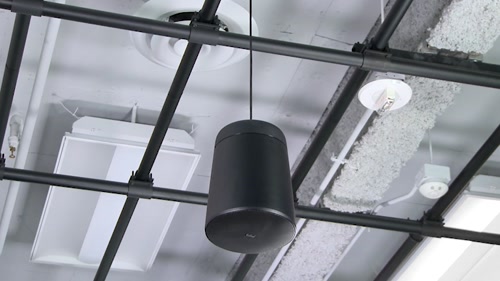
SF 26PT SoundField Pendant Speaker Installation
Demonstration of how to customize the ShareLink Pro 1000 and ShareLink Pro 500 Standby and Connected screen images.
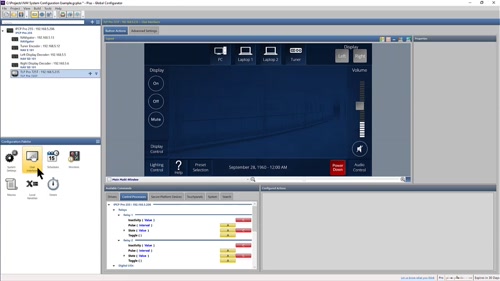
Using the Search feature in the “Available Commands” pane
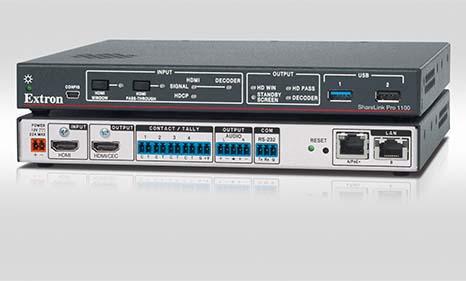
Demonstration of how to configure the ShareLink Pro 1100 for touchless room control using an Extron OCS 100 occupancy sensor.
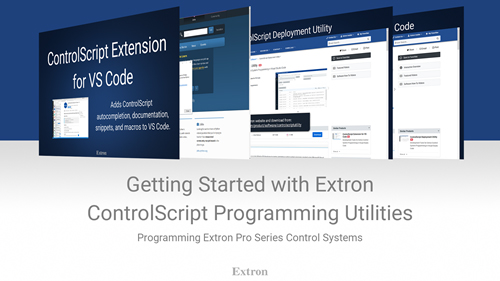
Extron has added tools to support writing ControlScript programs in Visual Studio Code. We will install the required software (Python 3.5 and VS Code) to support then install the Extron ControlScript Extension in Microsoft Visual Studio Code and the ControlScript Deployment Utility.
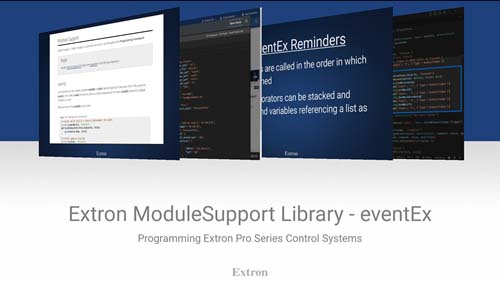
The ModuleSupport Helper Module contains several objects that can be used to aid in development of Extron Control System projects. ModuleSupport is added to new projects created using the Create New Project command of the Extron ControlScript Extension.
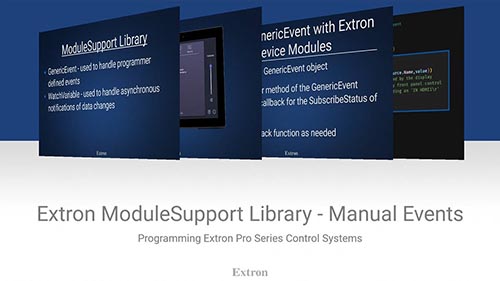
The ModuleSupport Helper Module contains several objects that can be used to aid in development of Extron Control System projects. ModuleSupport is added to new projects created using the Create New Project command of the Extron ControlScript Extension.
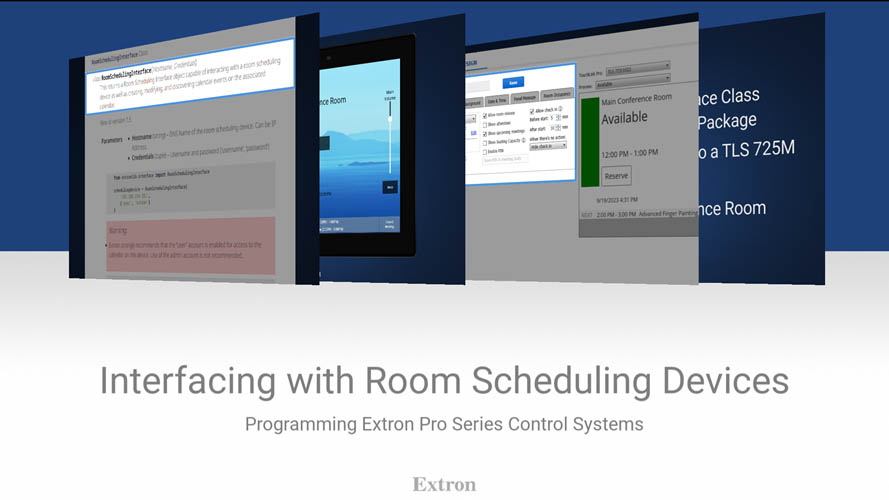
The ControlScript RoomSchedulingInterface allows a programmer to incorporate scheduled events into room control system programming.

Step by step configuration tutorial for SMP 300 Series Streaming Media Processors with the Panopto content management platform.

Step by step configuration tutorial for SMP 300 Series Streaming Media Processors with the Kaltura content management platform.
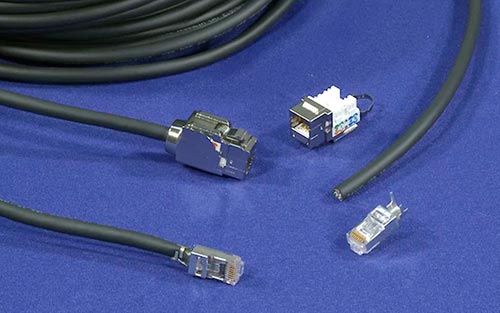
Learn how to properly terminate XTP DTP 24 shielded twisted pair cable and connectors
This video will demonstrate many of the features of the Extron ControlScript Extension in Microsoft Visual Studio Code including: ControlScript Documentation, AutoCompletion, Snippets, and the Create New Project macro.
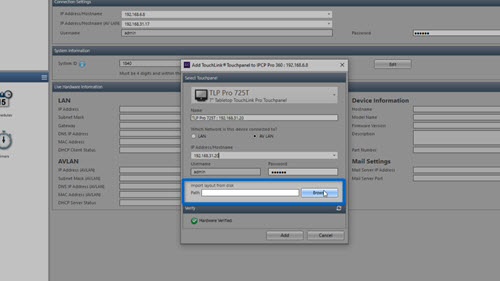
Import a GUI Design File when adding a Touchlink Pro touchpanel to your configuration or updating an existing user interface.
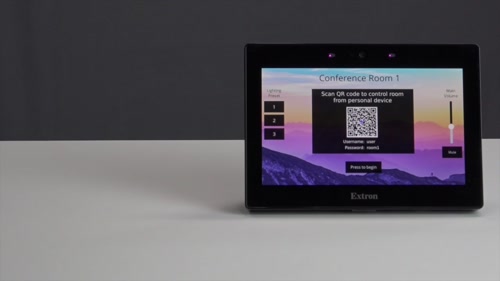
Using QR codes with Pro Series control systems. Details on Security Certificates in Toolbelt: www.extron.com/toolbeltsecurity Details on User Management in Toolbelt: www.extron.com/toolbeltusermanagement
How to configure a NAV System using GC Plus and GC Pro
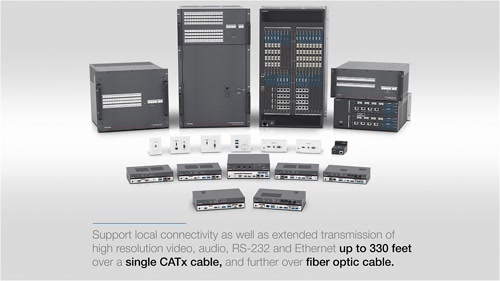
A narrated walk-through that demonstrates how quick and easy it is to setup and configure an XTP System using the comprehensive and intuitive XTP System Configuration Software.
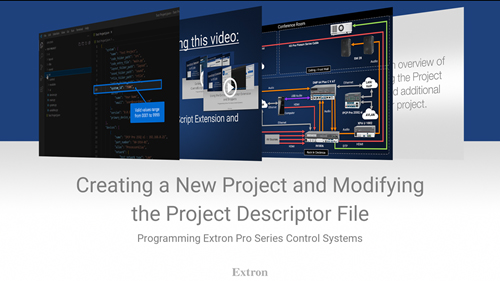
Using the ControlScript Extension to create a new project and modify the Project Descriptor file in VS Code.
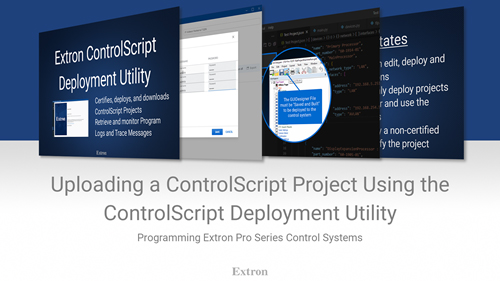
Use the Extron ControlScript Deployment Utility to Upload and Download ControlScript projects and view troubleshooting logs and messages.
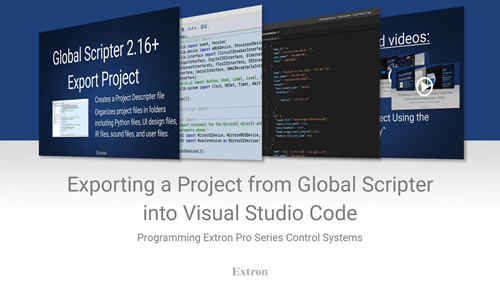
Export a project from Global Scripter then modify the project in VS Code using the Extron ControlScript Extension.
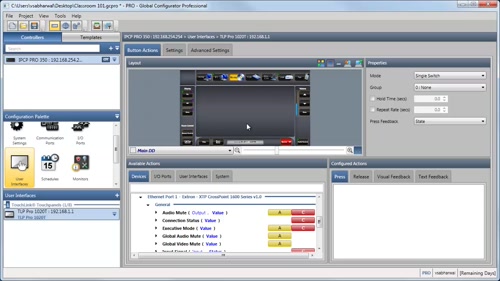
Press、HoldおよびRepeatアクションを使用してボタンにボリューム制御を設定
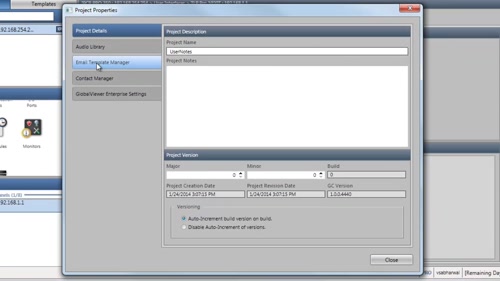
カスタムEメール通知の作成
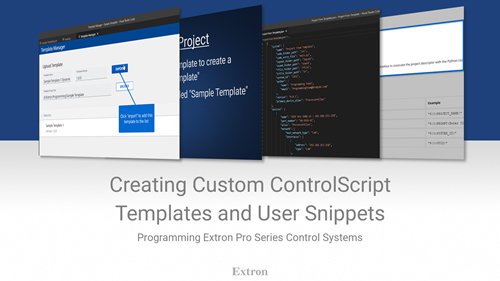
Using the Template Manager included in the Extron ControlScript Extension to create your own templates.
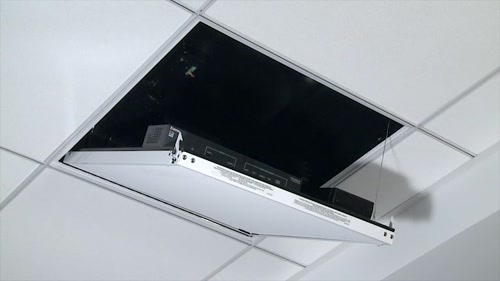
Overview and step-by-step installation of the PVM 220 PlenumVault Mounting Kit
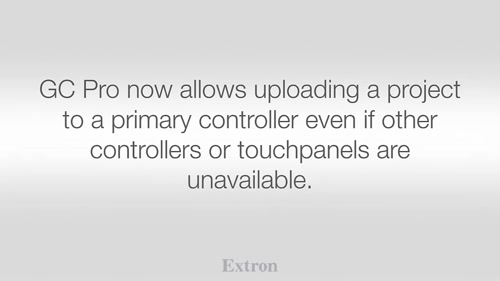
New Features and Enhancements within GC Plus and Pro v3.0
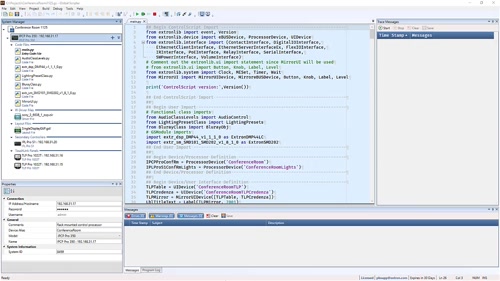
Global Scripter 2.0 Workflow Enhancements
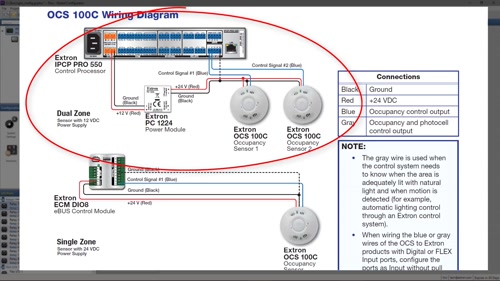
How to integrate Extron OCS 100 Occupancy Sensors into your configuration
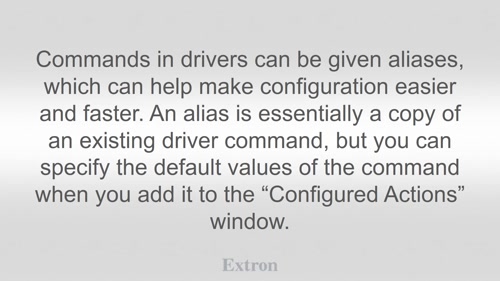
設定におけるドライバーコマンドエイリアスの使用方法
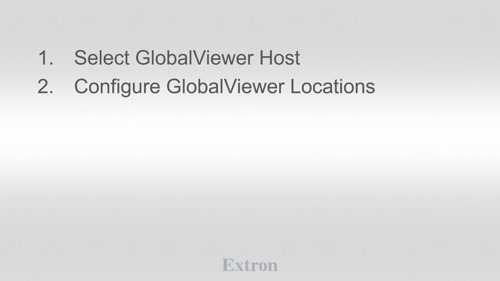
GlobalViewer Enterpriseで使用する設定を作成
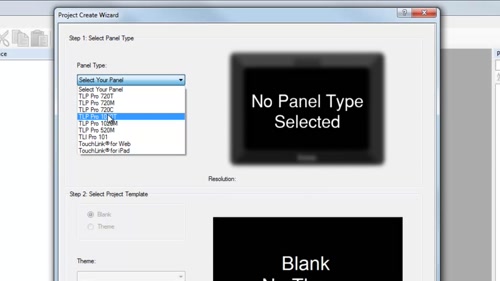
エクストロンのテンプレートを使用してGUIレイアウトをデザイン
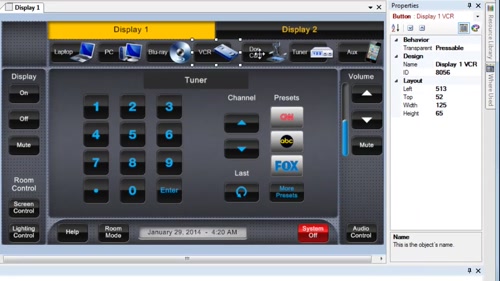
用途に合わせてテンプレートをカスタマイズ
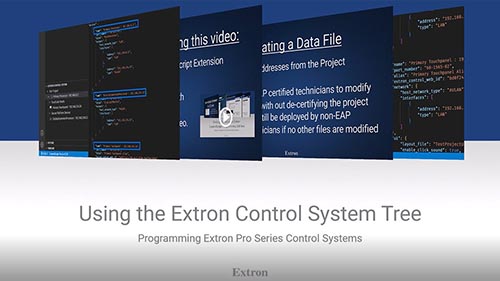
The Extron ControlScript Extension for VS Code provides the Extron Control System Tree that enables several features that are useful in creating, modifying, and managing Extron Control Systems from VS Code.
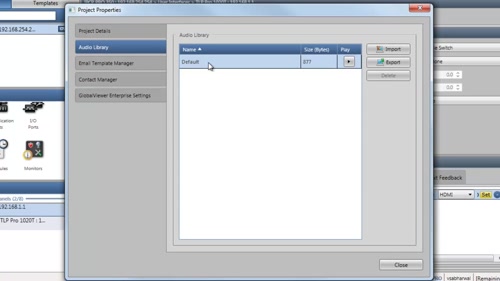
プロジェクトに使用するオーディオファイルを管理
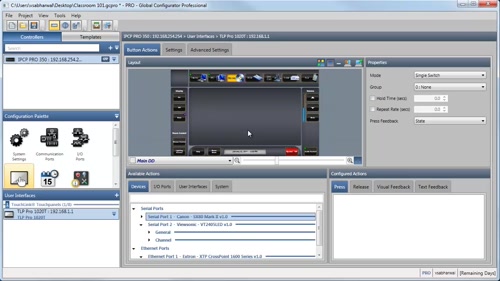
コマンドをコピー&ペーストして短時間でボタン、アクション、スケジュールおよびモニターを設定
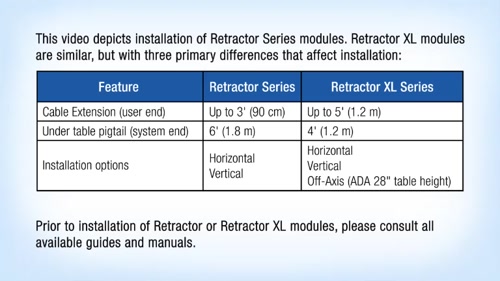
Step-by-step videos that illustrate the installation of the patented Retractor Cable Retraction and Management System.
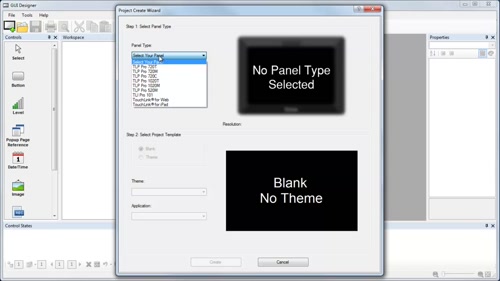
GUIレイアウトを一から作成
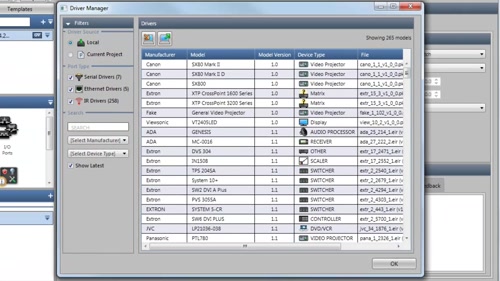
Driver Managerを使用してドライバーを追加、削除および置換
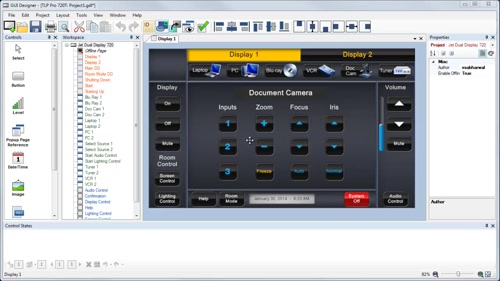
異なるサイズのタッチパネル間でGUIレイアウトを容易に変換
タイマーを使用して時間ベースのアクションを管理し実行
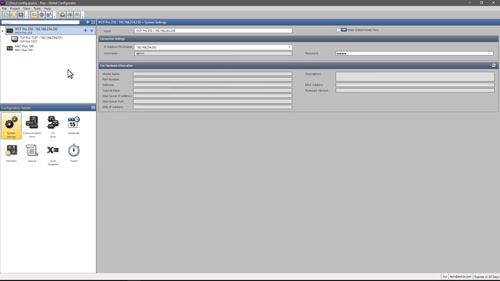
設定においてルームイベントをマッピングする方法
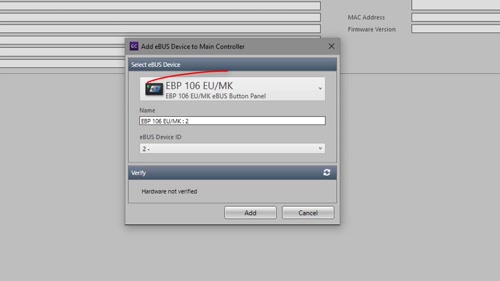
eBUSボタンパネルの設定への追加方法
AV LAN専用ポートを備えたProシリーズコントロールプロセッサーを設定
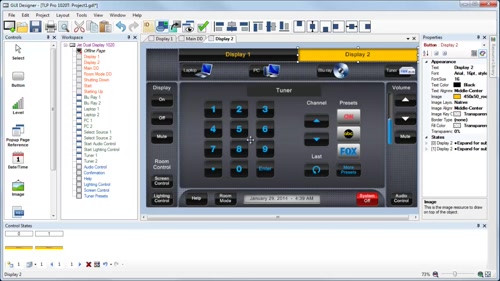
特種フォントをレイアウトで利用
Bookmarks allow for easier navigation through a ControlScript program
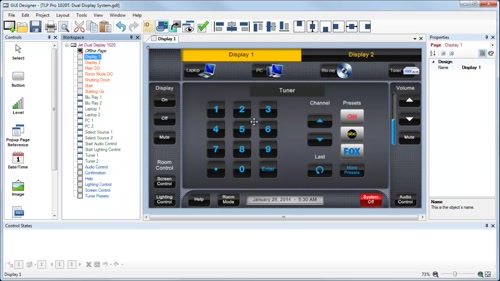
GUI Designerでレイアウトを保存すると同時にGC Plus/Proにアップロードするプロジェクトを作成
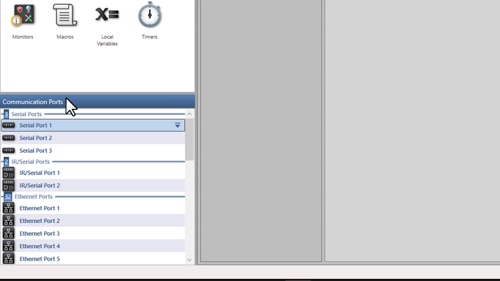
設定へのシリアル、イーサネットおよびIRドライバーの追加方法
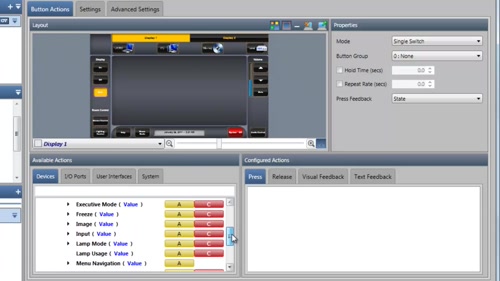
条件付きロジックを使用してトグルアクションボタンを作成
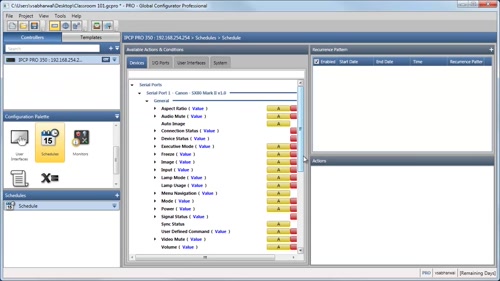
常時繰り返されるアクションをスケジュールを使用してセットアップ
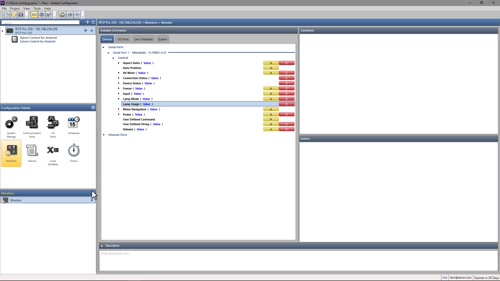
特定の条件に基づきアクションまたは通知をトリガー
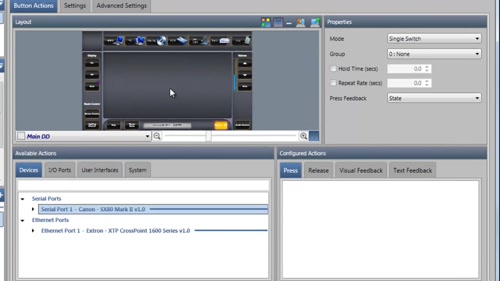
イーサネットデバイス用ユーザー定義コマンドを設定
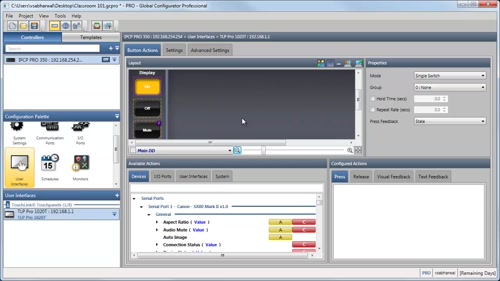
ローカル変数を使用して機器のパワーオンおよびパワーオフステータスを監視
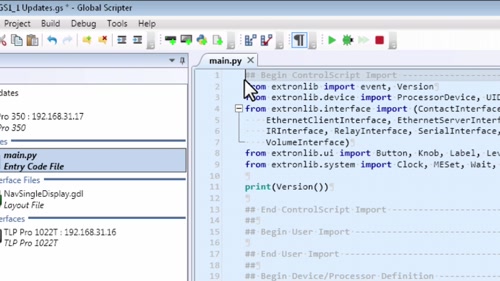
Debugging tools allow for breakpoints within a ControlScript program
Route AES67 audio signals received in Dante Controller
ControlScript Pro xi version 1.3.5 and later provides support for using the Requests library to interact with HTTP resources.
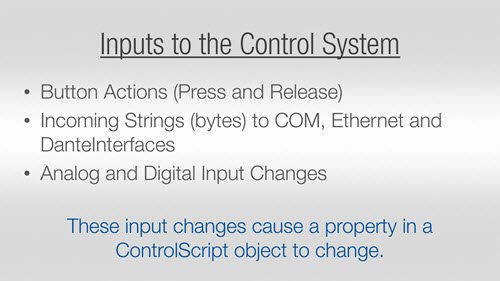
The @event decorator is used to reference a function to a control system input.
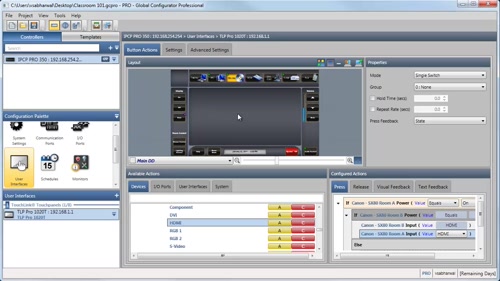
if-else構文により動的な設定に対応
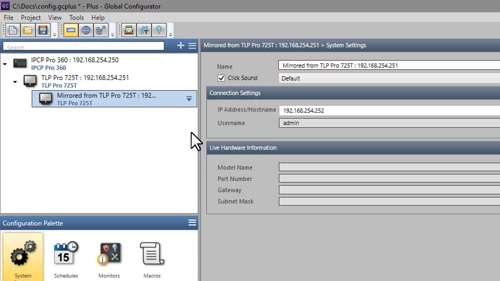
ミラー化されたタッチパネルを設定に追加
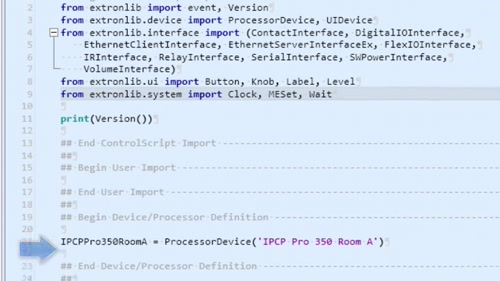
System Properties for Processor and UI Devices are accessible with ControlScript
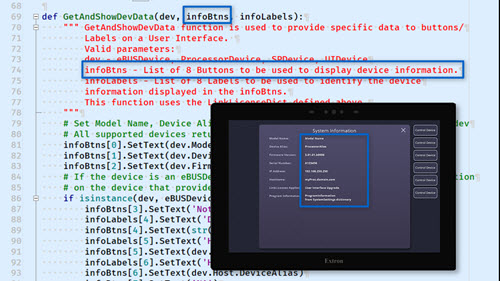
ControlScript offers many methods and properties within classes of the device Package that enable you display information about control system devices that can be displayed on a touchpanel or the interface in the Extron Control app.
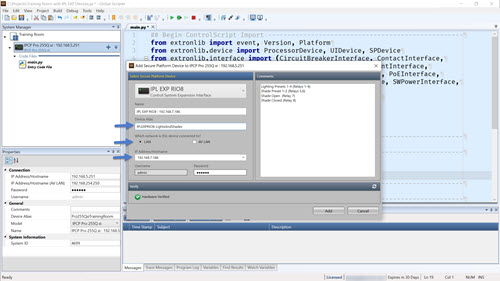
The IPL EXP I/O Series of control system expansion interfaces are a convenient way to put extra control ports and functionality just where you need them in your system.
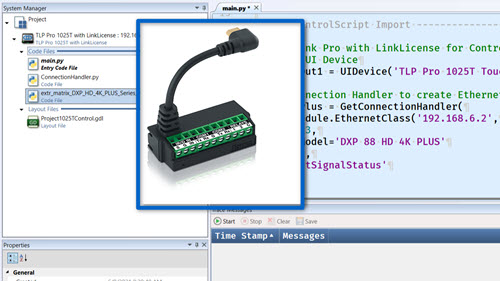
Extron LinkLicense for TLP Control Processor is a powerful, easy way to turn your TouchLink Pro touchpanel into a full-featured, standalone IPCP Pro xi control system.
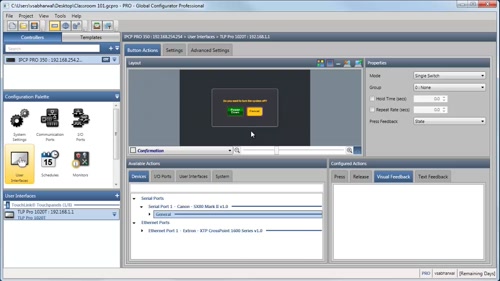
マクロを使用して複数のアクションをトリガー
コントローラーグループの作成方法(GC Proのみ)
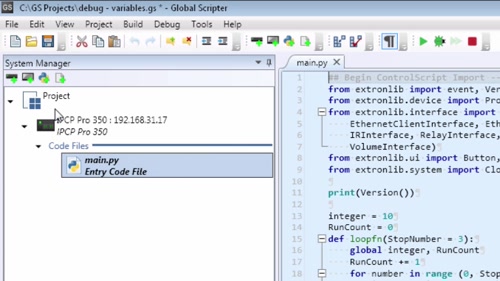
For debugging and troubleshooting, Global Scripter 1.1 allows Programmers to track specific variables in a ControlScript program
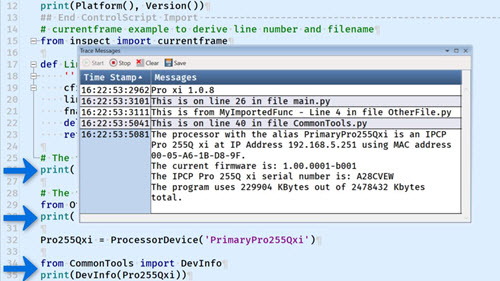
The new ControlScript Pro xi library adds programming features that are exclusive to the IPCP Pro xi product family delivering greater flexibility for programmers developing xi series-based projects.
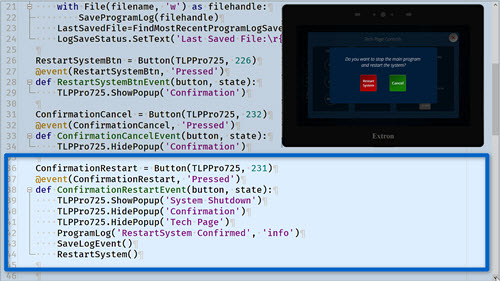
Two methods have been added to the ControlScript library allowing a programmer to save the program log to a file and restart the system.
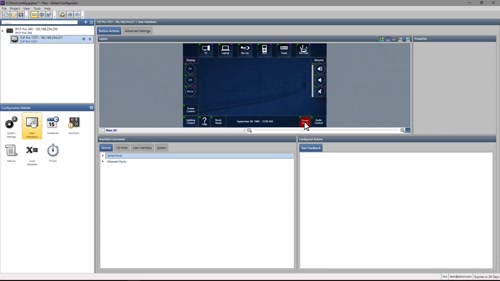
“Create Macro From”機能の使い方
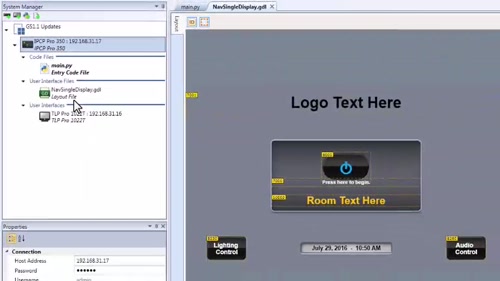
View GUI Designer layouts directly within Global Scripter code editor
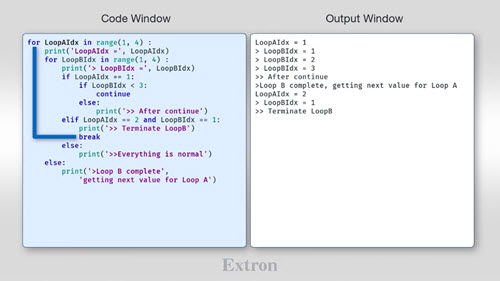
Using return, break, and continue statements in your program to streamline flow.
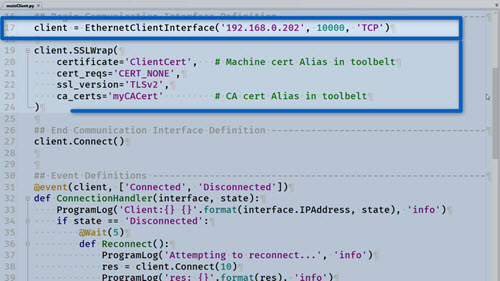
Using the SSLWrap method of the EthernetClientInterface and EthernetServerInterfaceEx classes.
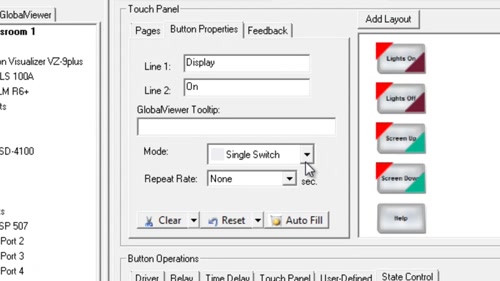
Assign commands for the display and audio control.
Regulates the level of an input signal by reducing or compressing its dynamic range above a user-defined threshold
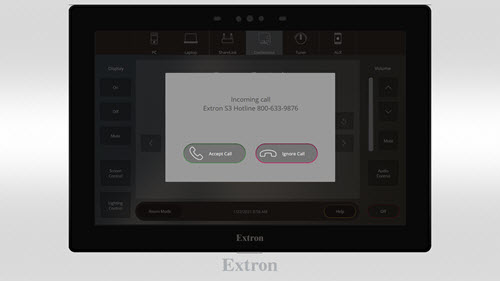
WAV files can be used to provide audible responses and gain user attention.
Rename Dante channels for use with Dante Controller
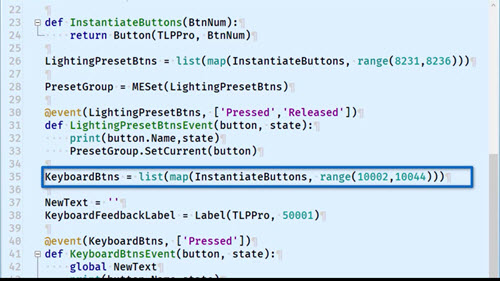
The map() function can be used to replace for loops more efficiently.

Replacing the built-in print function with your own wrapped print function can aid in remote diagnostics.
Regulates the level of an input signal by severely restricting its dynamic range above a user-defined threshold
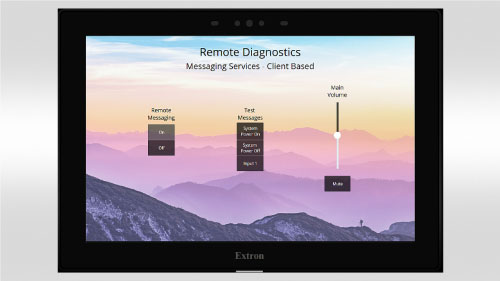
Using an Ethernet Client to provide remote diagnostics capabilities
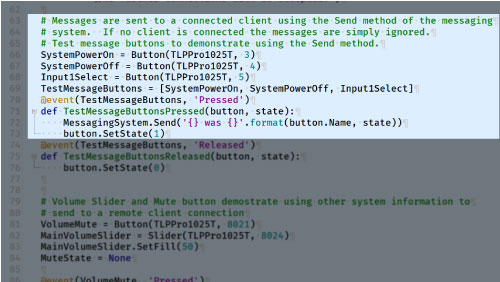
Using an Ethernet Server to provide remote diagnostics capabilities
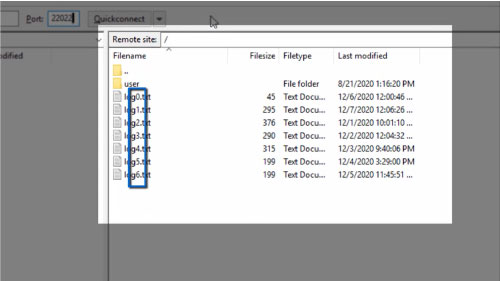
Enabling additional remote diagnostics capabilities by using the File class to log messages
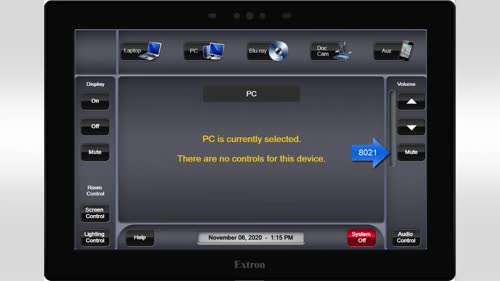
Solutions to common errors when naming objects, events and functions
Using a class object to simplify programming of multiple sliders over multiple touchpanels
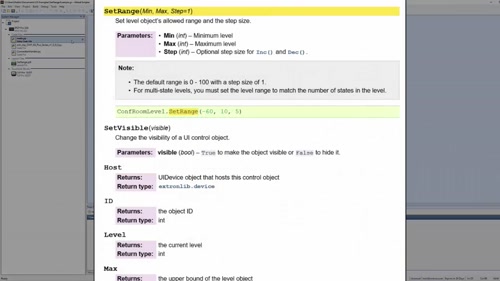
Using the flexibility of the SetRange method to scale and adjust a level on a user interface
Unmute mix-points to route inputs
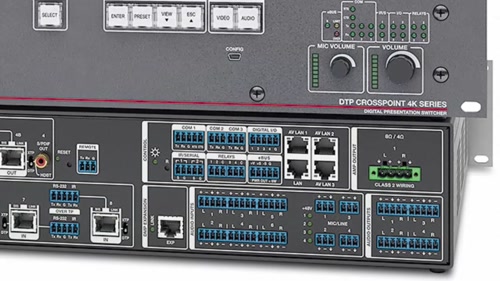
Considerations when programming an Extron presentation switcher with LAN and AV LAN Ports
Creating and using custom events to control a volume control port on an IPCP Pro 255, and multiple levels on an IN1806 switcher.
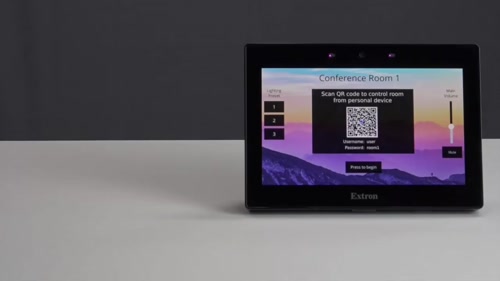
Using QR Codes with Extron Control Systems programmed with Global Scripter. Details on Security Certificates in Toolbelt: extron.com/toolbeltsecurity Details on User Management in Toolbelt: extron.com/toolbeltusermanagement
Route Dante inputs and configure Flex inputs
Create a Class in ControlScript to replicate and simplify Huddle Room system programs
How to program a NAV system using ControlScript
Routing of virtual returns and their use as points of control
Make ControlScript events more concise using a dictionary to replace conditional statements.
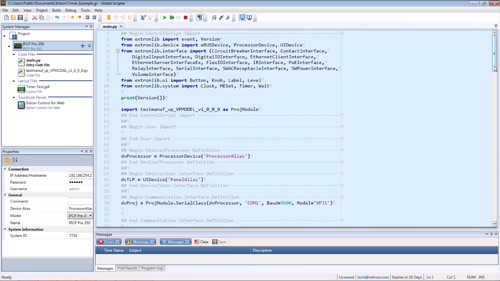
Using the Timer class for repetitive deterministic tasks such as polling and counting
Routing to and from expansion bus
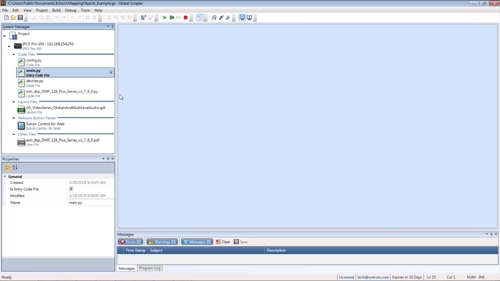
Mapping GUI fader controls using dictionaries to control audio levels
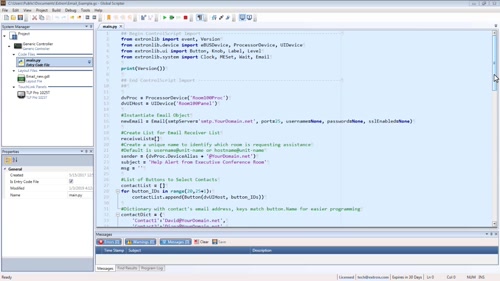
Using the Email class in ControlScript to send an email to a recipient in an existing contact list
How to create a dictionary and access data from it
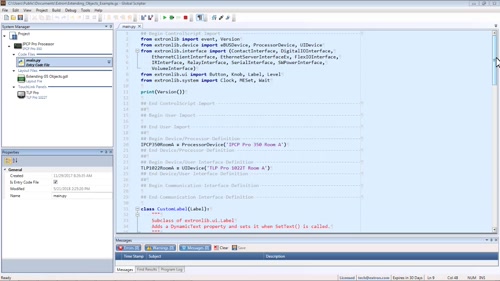
Extending the ControlScript label class to store and retrieve a user-generated number for phone calls
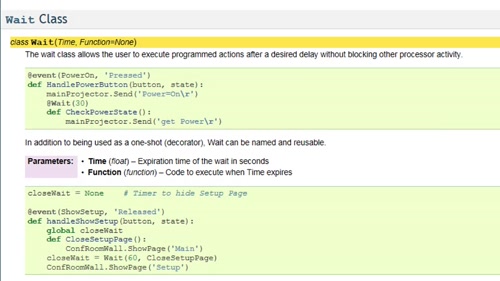
Creating a shutdown timer using the ControlScript Wait class
Implementing password protection using the ControlScript File class
Downloading and modifying Extron DSP Template, along with creating and merging customized templates
Using the read and write methods of the File and RFile class objects.
Host communicates with the Device and receives input data on actions performed by Human
Using the built-in deepcopy function to make copies of a Python object.
Program Pro Series control processors with AV LAN ports
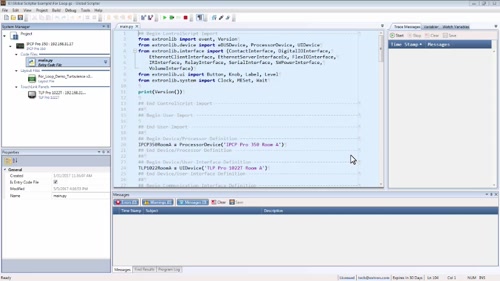
Using For Loops in ControlScript to perform repetitive tasks while setting up the code for scalability
Methods to save information to persistent storage in ControlScript programs
Using the WakeOnLan class in ControlScript to wake a PC through an Extron control system
Creating a matching pattern to evaluate a complex string using regular expressions
Loading, creating, and removing Extron building blocks from a DSP configuration
Developing patterns to find matches in a response string using regular expression functions
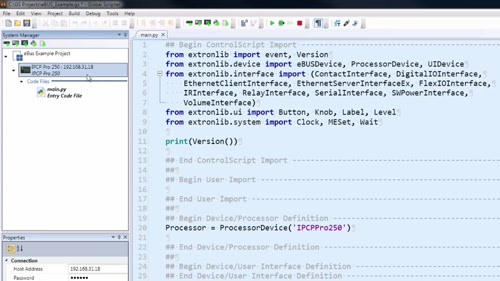
Global Scripter 1.2.2 and ControlScript 2.5 allow for programming eBUS devices
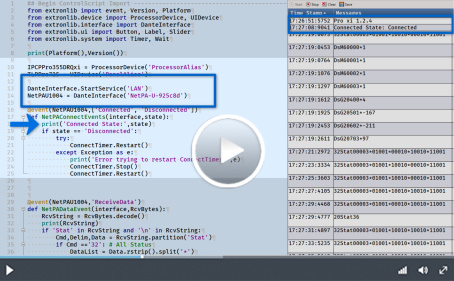
The DanteInterface Class included in ControlScript Pro xi allows the programmer to control Extron Dante Devices over the Dante Audio Network.
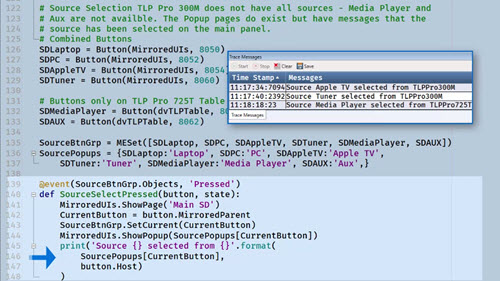
Mirror UI Helper Module usage examples
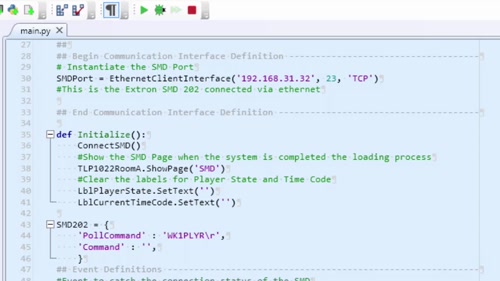
Communicating with devices that utilize the SSH protocol
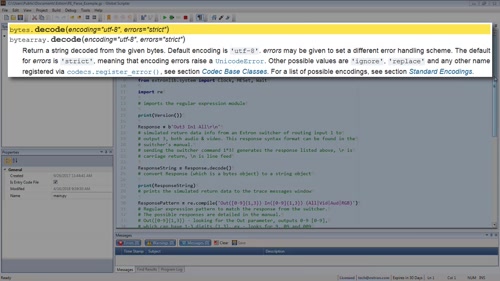
Parsing the response from a controlled device using the regular expression module
Create, save, and recall DSP Configurator presets
Creating configurable control points in DSP Configurator for Pro Series control systems
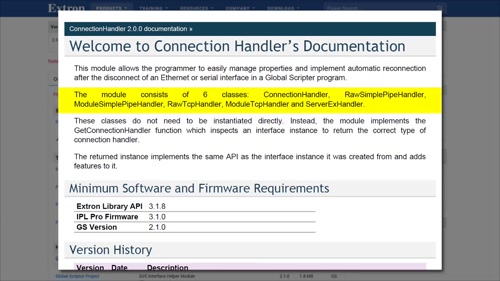
Using ControlScript to manage connections of a control interface
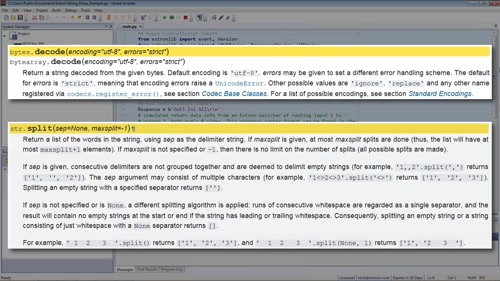
Parsing the response from an Extron matrix switcher using string operations and methods
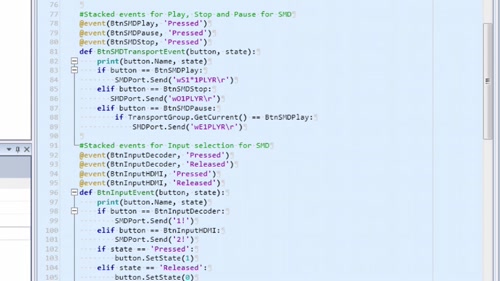
Global Scripter 1.1 and ControlScript 2.4 allow for compound event decorators
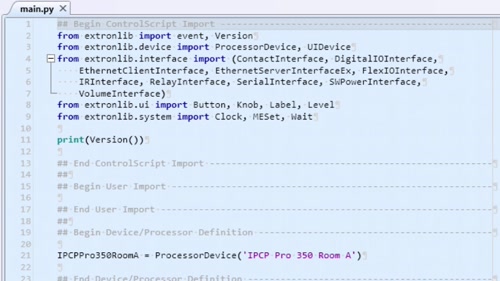
To simplify troubleshooting, Global Scripter 1.1 allows for customization of Program Log Messages using the Program Log object from ControlScript
Using the JSON module to store and retrieve data
Using ControlScript to integrate programmable control processors into GlobalViewer Enterprise
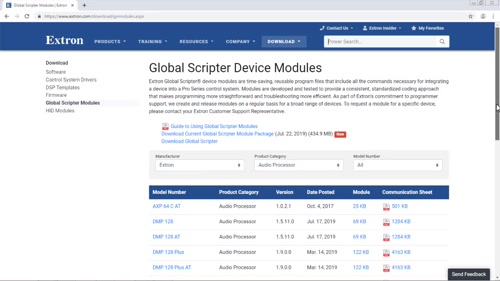
Integrating Global Scripter device modules to speed up development
Retrieving, parsing, and using XML formatted data from a web resource
Using communication sheets to implement Global Scripter Modules
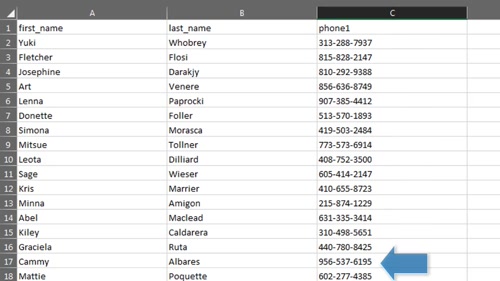
Using the ControlScript File class to read a phonebook CSV file
 Chrome
 Firefox
 Edge
Edge
 Safari